Flat / For your AI agent
Publish files from your AI agent.
Ask your agent to publish the report, prototype, or PDF it created. Send the returned link so others can open the work in their browser.
Start free with hosted or local MCP. Flat hosts your files in the EU.
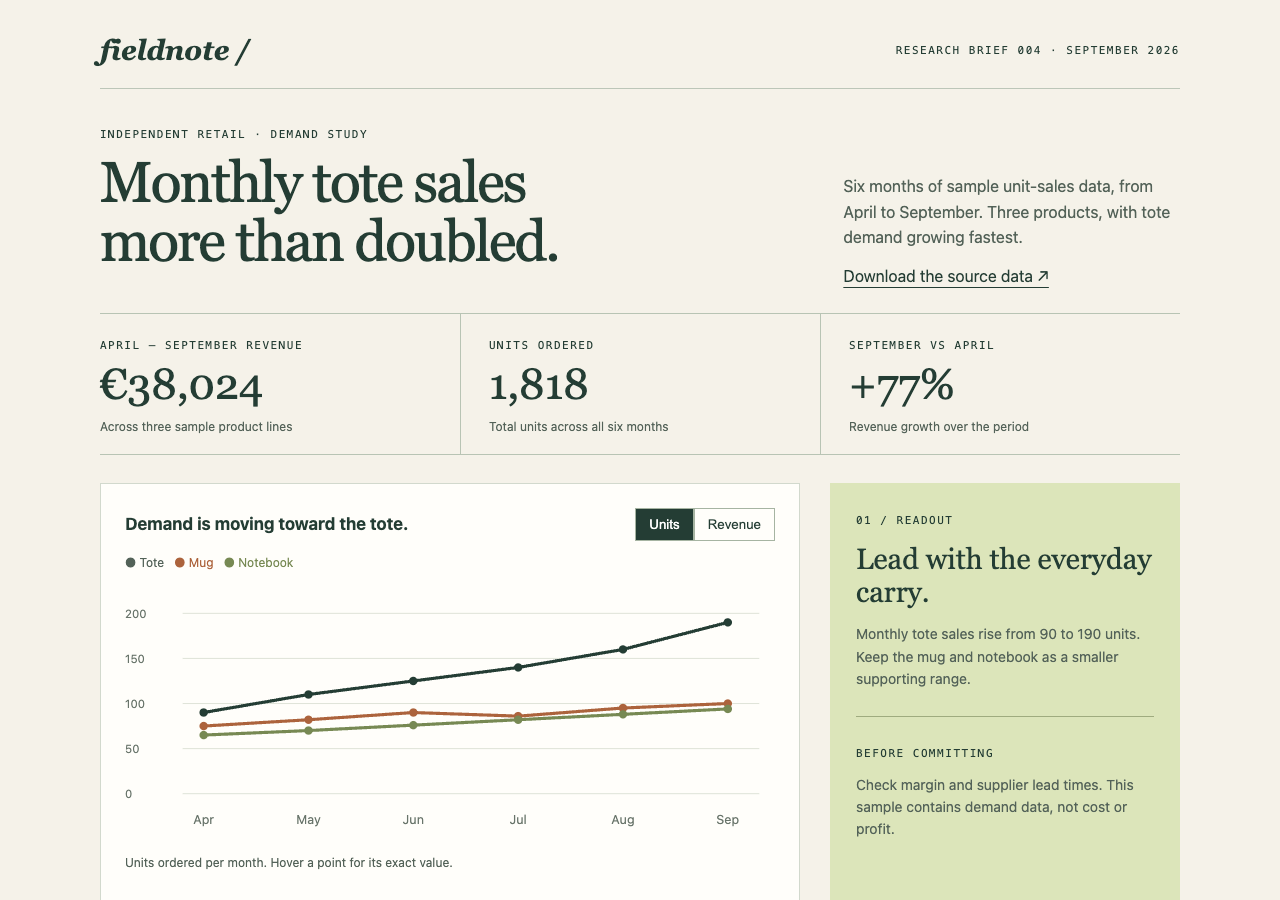
A published HTML report.
Readers can switch chart views and download the source data from the published page.
01
Create in your usual tools.
Your agent creates the finished files.
02
Publish through Flat MCP.
Flat hosts them and returns a link.
03
Send it to someone.
They open the work in their browser.
Publishing examples
Share a website or document.
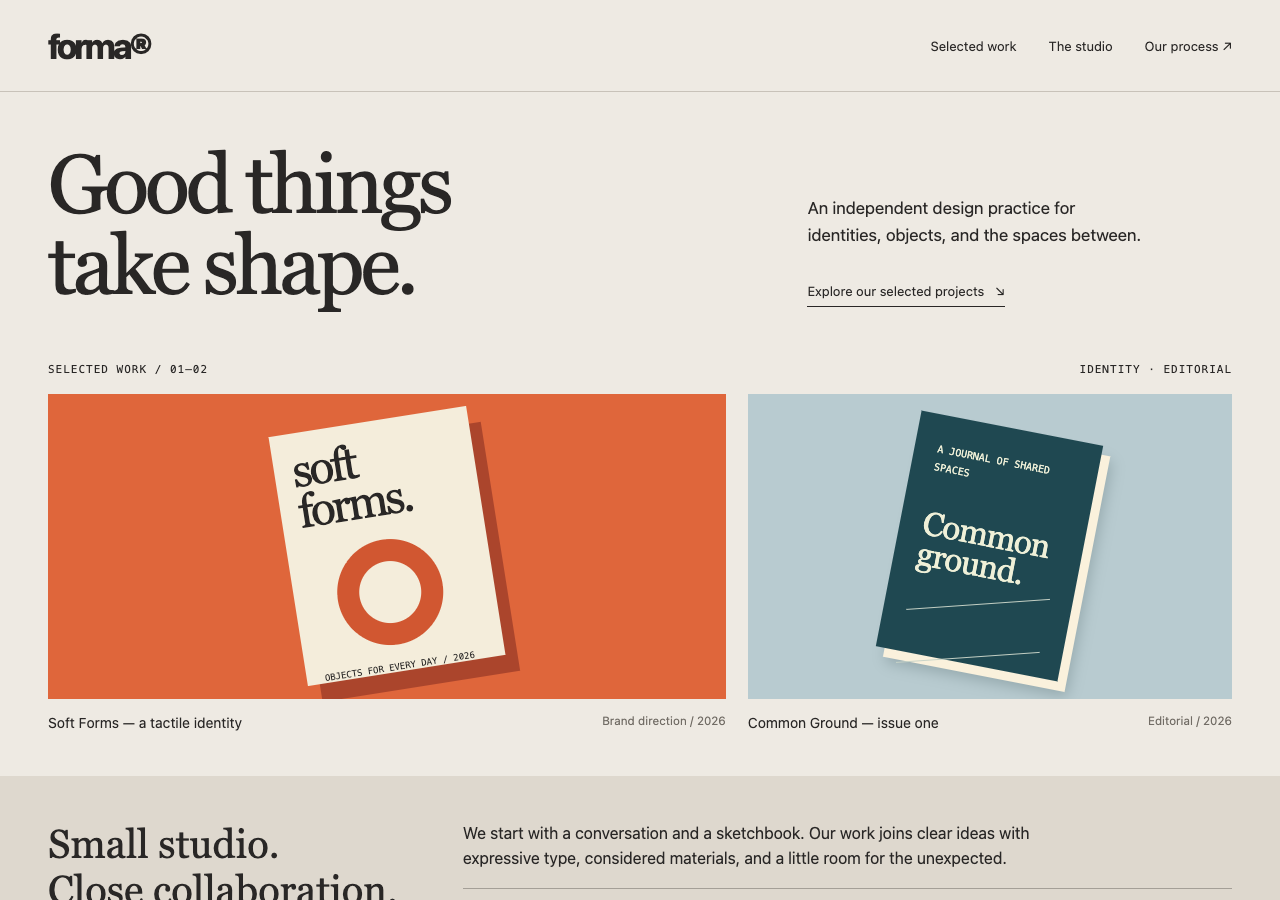
A site they can click through.
HTML
Keep the layout, images, and browser interactions. Publish your finished build with its files intact.
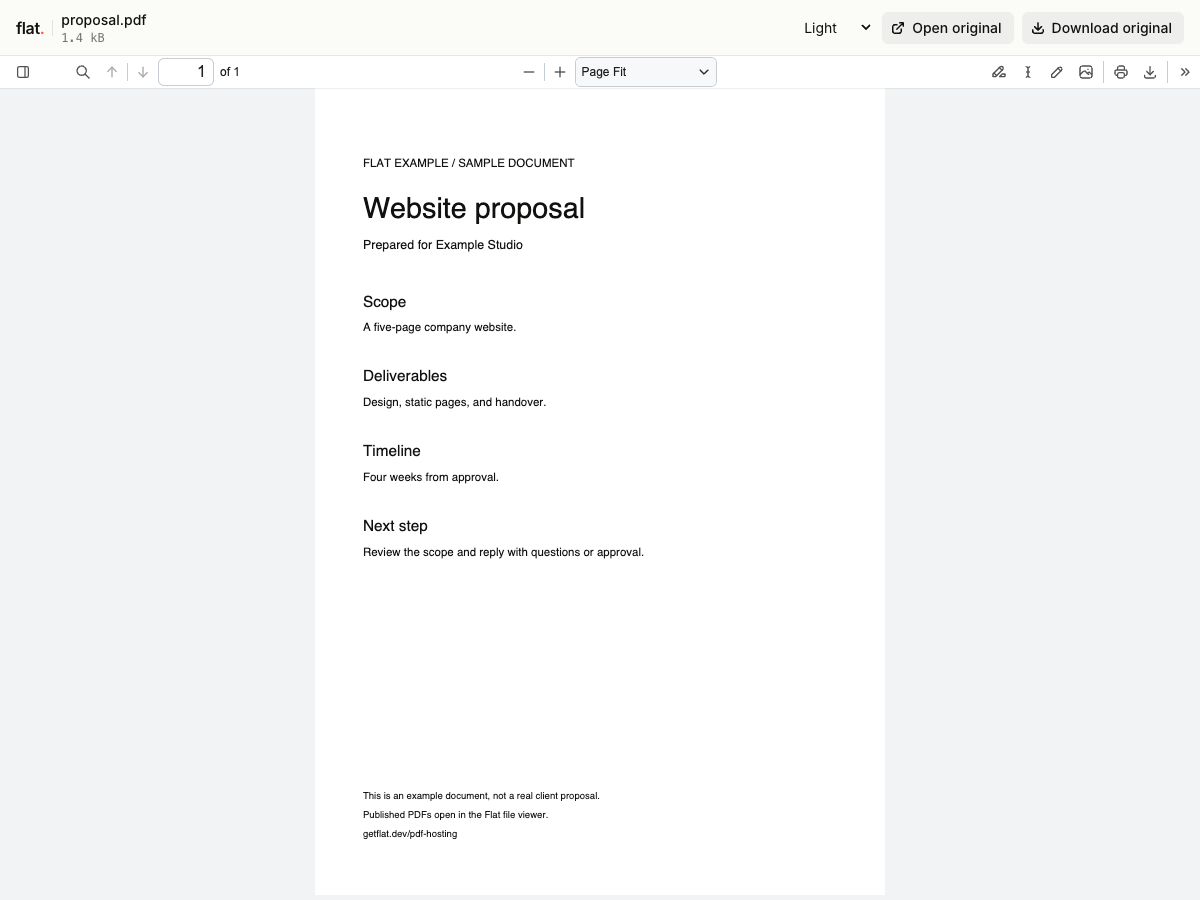
A document they can read.
Send a proposal or a reading pack. Readers preview supported files and download the originals.
The examples use fictional content.
MCP setup
Connect Flat
to your agent.
Add the hosted server URL or local configuration to your MCP client.
01
Choose your connection.
Use hosted MCP for remote tools or local MCP for files on your computer.
02
Connect your account.
Sign in for uploads with no default expiry. Anonymous uploads last up to one hour.
03
Publish the finished files.
Your agent calls Flat. Open the returned link, check it, then share.
Remote connection / Streamable HTTP
Connect to the hosted server.
Add a remote MCP server in your client. Paste this URL, then connect your Flat account.
Server URL
https://mcp.getflat.devYour agent supplies downloadable HTTPS files or uploads their bytes. Choose Local MCP to publish files from your computer.
MCP 2026-07-28 required.
Connection guide ↗After you hit publish
Update files
at the same address.
Your agent can update named links and change access settings through MCP.
- Same address, revised files.
- Point a named Flat address or your own domain at each new upload.
- Require a visitor password.
- Set a password for your files. Pause access when the review is over.
- Set a deadline.
- Ask your agent to set an expiry date for a preview.
MCP questions
Can I publish something I made in ChatGPT or Claude?
Yes. Export the finished files and upload them to Flat, or use a compatible MCP client to publish them through your agent. Follow the ChatGPT publishing steps or the Claude publishing steps.
Which agents can use Flat MCP?
Use a client that supports MCP protocol 2026-07-28 over Streamable HTTP or stdio. Hosted clients need downloadable HTTPS source URLs or HTTP upload capability. Local MCP can read files on your computer. Check connection requirements.
Can I try it without an account?
Yes. Hosted and local MCP support anonymous publishing, with uploads that expire within one hour. Sign in before publishing work you want to keep. A separate OAuth sign-in does not claim earlier anonymous uploads; see the authentication guide.
Does Flat generate or build the files?
Your agent creates the files and runs any build. Flat hosts the finished output. Server code, databases, and scheduled report generation stay in your own tools.
What can I publish, and how much?
Publish finished static sites, reports, documents, images, and other files. Browser previews depend on the format and file size; originals remain available to download. See viewer support and upload and storage allowances.
Publish your agent's finished files.
Connect Flat to the agent you already work with.