Flat / Educators
Give your class one link to the lesson.
Send class notes, assignments, study guides, worksheets, and course materials. Students can read PDFs in their browser or download a copy without a Flat account.
Checking your upload limits... · Public · Limits
Drop course materials here
or choose files from your device.
Choose course materialsFor the next class
Keep the worksheet with the notes.
Upload one document or group the files for a lesson in one upload. With several files, students choose what to open from Flat's file list.
Share notes with students who missed class, hand out an assignment, or send a study guide before an exam. Students can download worksheets to print or complete in their usual app.
Use PDFs for reading and printing. You can include Word documents and slides too. Flat generates PDF previews for supported documents and keeps the original files available to download.
See document formats and preview limits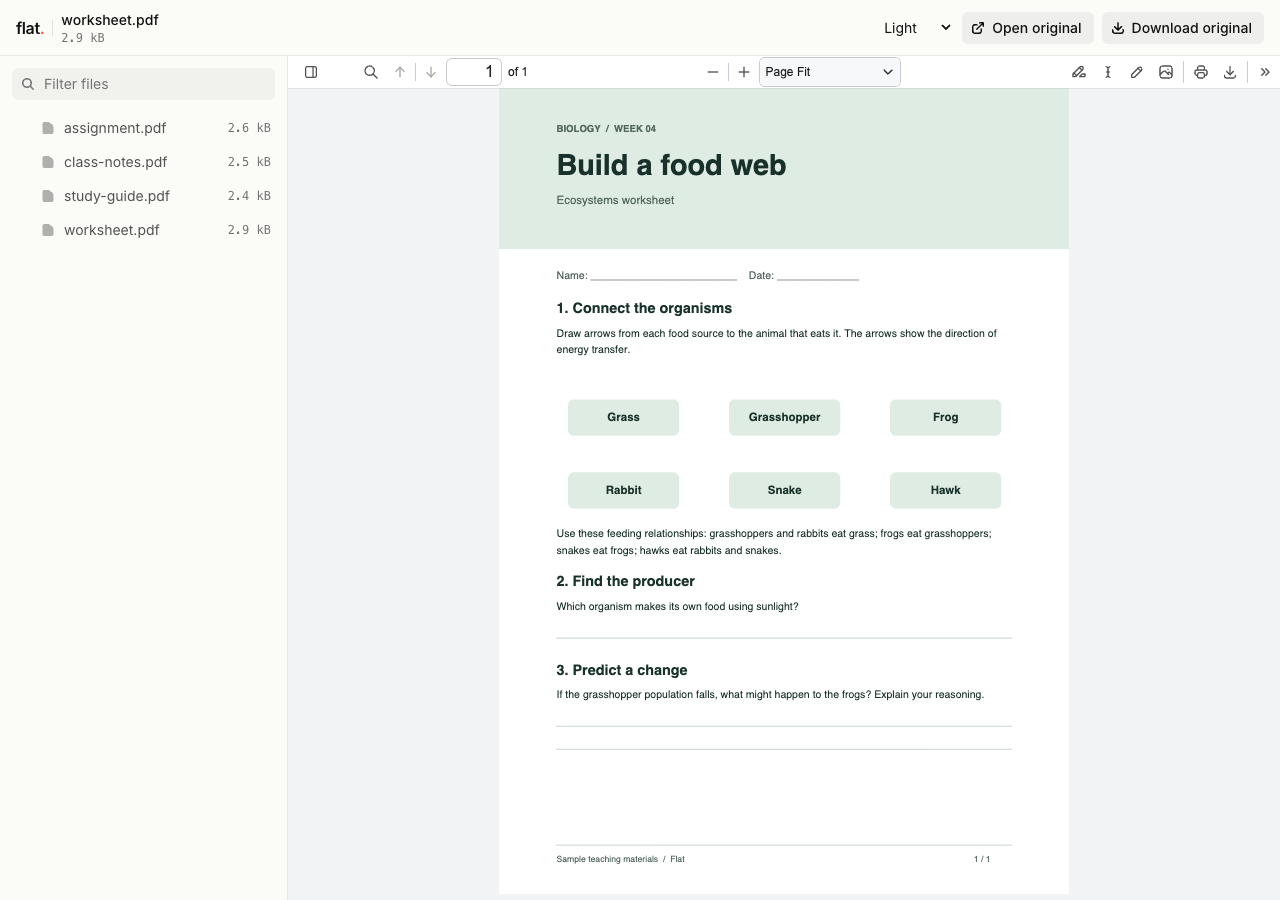
Download the sample PDFs to try the uploader.
Ready to share
Post the link where your students look.
Paste it into a class email, your learning platform, or a lesson slide. Students open public links without signing in to Flat.
1. Prepare the files
Export your materials from the editor you use. Give each file a name students will recognize.
2. Upload and publish
Choose the files above and publish them together. Browser uploads are public. Sign in before publishing for no default expiry.
3. Check the student view
Open the link and check each document before you send it to the class. Try a download if students need a copy to work on.
Before you send it to the class
Can I update materials without changing the link?
Yes. Set up a named onflat.page address or connect your own domain through the CLI. Publish revised files to the same domain to update that address. The browser uploader creates a new version link each time.
Earlier version links and downloaded copies keep their original files.
How long will my course materials stay online?
Signed-in uploads have no default expiry. Signed-out uploads expire after one hour. Sign in before that deadline to keep them online. Your plan sets upload, storage, and transfer allowances. See plans and limits.
Can I password-protect course materials?
Yes. Set a visitor password through the CLI or API, then share it with your students. The browser uploader publishes public links and has no password setting. Anyone with access can download or forward a copy.
Can students submit assignments or receive grades in Flat?
Flat hosts the materials you share. Use your learning platform or your usual submission process to collect student work, give feedback, and record grades.
What if a document has no preview?
Students can download the original file. Some formats and files that exceed preview limits will need an app on their device. Check the published link before sharing it. Export to PDF if you want to share a reading copy of your notes or slides.
Have the next lesson ready?
Upload your materials, check the link, and send it to your class.
Free to start. View pricing