Flat / Real estate
Share your next listing with one link.
Upload brochures, buyer guides, and listing PDFs, then send buyers one link.
Checking your upload limits... · Public · Limits
Drop PDFs here
or choose files from your device.
Choose PDFsOn the buyer's side
Let them read before they visit.
Buyers open a single PDF in the browser viewer. Share several documents together and they choose what to read from the file list.
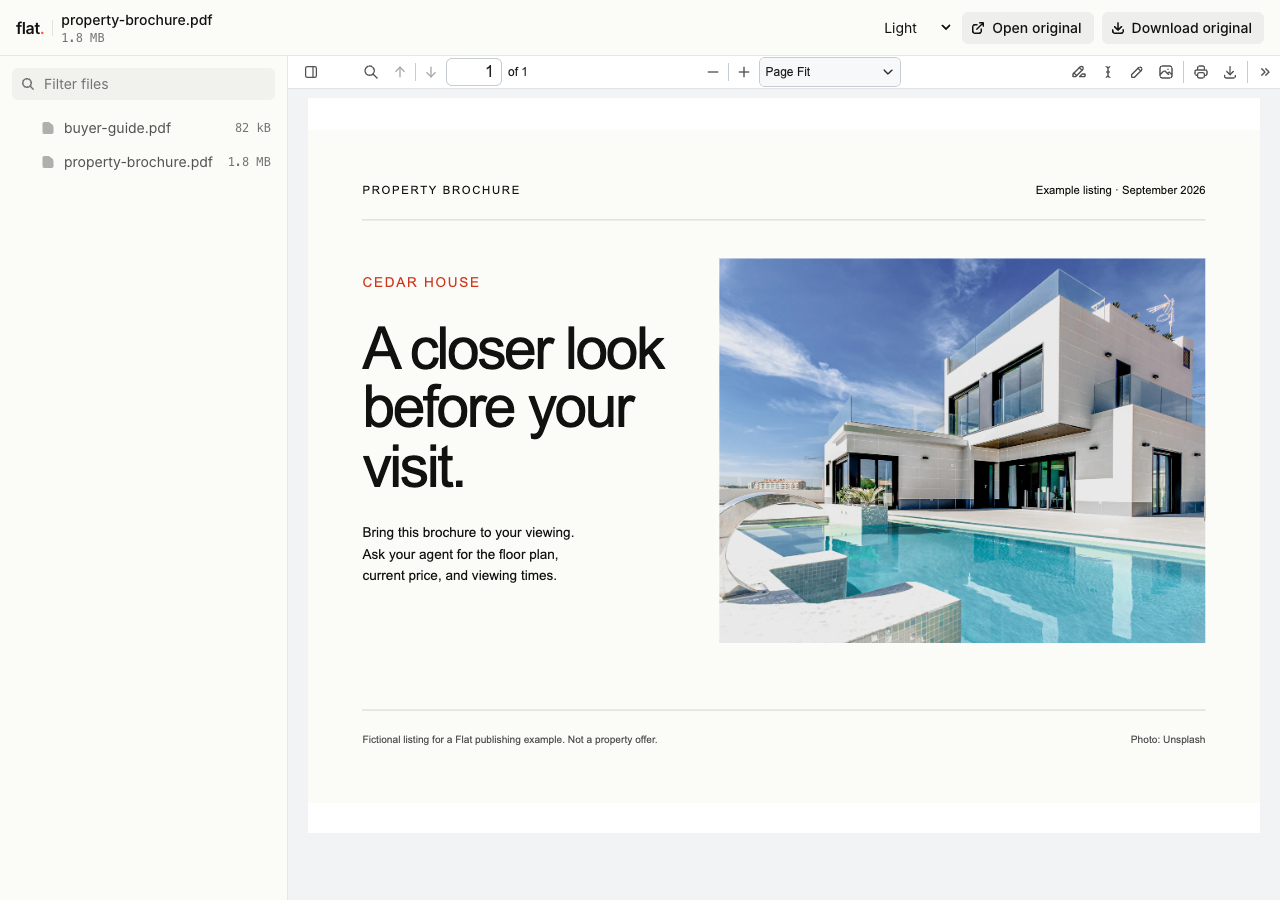
Download the sample brochure or buyer guide to try the uploader.
- Before the showing
- Send the listing PDF so buyers can check photos and the floor plan before meeting you.
- After the open house
- Share the full property packet in your follow-up. Buyers can revisit it at home or download a copy.
- For first-time buyers
- Add your buyer guide with the purchase steps and your contact details so they know how to reach you.
When the listing changes
Keep the link when you change the price.
Use a named onflat.page address or connect your own domain before sharing it in emails or a printed QR code.
Sign in through the CLI and publish with --domain. Publish your revised PDFs with the same domain to update that address. Use the CLI for these updates; the browser uploader creates a new version link each time.
The address you shared
cedar-house-property-info.onflat.page
01 / FIRST UPLOAD
Original brochure
02 / AFTER UPDATE
Revised brochure
Buyers read this version at the same address.
Earlier version links and downloaded copies keep their original files.
Before you send the link
How long will my property documents stay online?
Sign in before publishing for no default expiry. Signed-out uploads expire after one hour. Sign in before that deadline to keep them online.
Can I password-protect a property packet?
Yes. Publish through the CLI with a visitor password, then send it to your recipients. Browser uploads are public. Anyone with access can save or forward a copy.
Does Flat create the brochure or buyer guide?
Create your documents in your usual editor and export them as PDFs. Flat hosts the finished files. When details change, edit your source and publish a new export.
Can buyers download the PDFs?
Yes. Buyers can read supported PDFs in their browser or download the originals without a Flat account. If a file exceeds preview limits, they can still open or download the original.
How much can I upload?
Your plan sets upload, storage, and transfer allowances. Check the total size of your packet before publishing.
Have a brochure ready?
Give buyers one link to take away from their next viewing.
Free to start. View pricing