Flat / Instant sharing
Share files online with a link.
Upload your files, then paste the link into your message. Recipients can open it in their browser without creating a Flat account.
Publish filesYou can start for free.
Checking your upload limits... · Public · Limits
Drop the files you want to share
or choose files from your device.
Select filesHow to share files online
- 01
Select your files.
Choose the document or finished page you want to share.
- 02
Publish.
Flat uploads your files and gives you a public URL.
- 03
Share the link.
Open it, check the result, and send it.
Choose the files you want to share and publish them together. To keep the same address when you update them, use a named link.
What recipients see
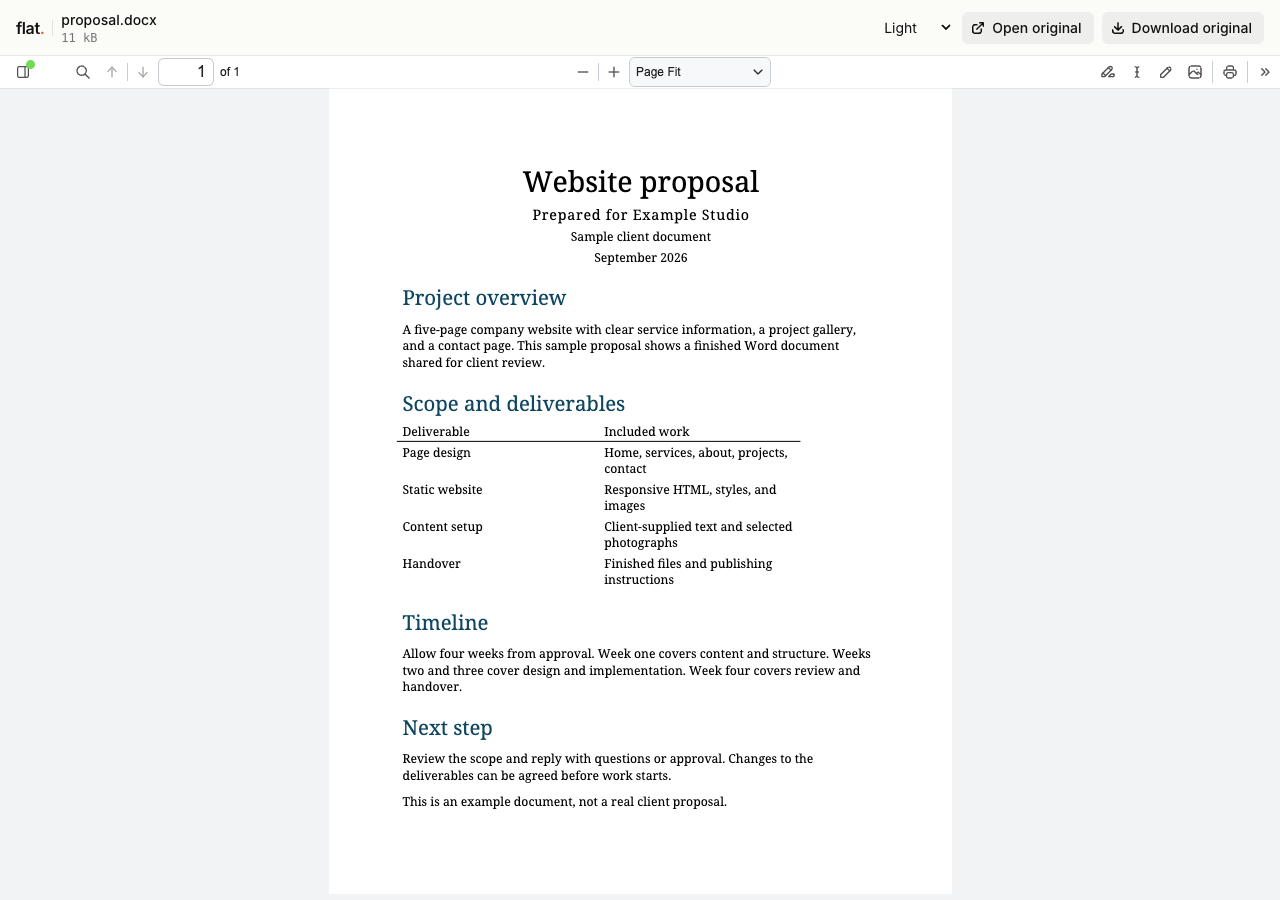
Document previews
Share a PDF, Word document, slide deck, or spreadsheet. Recipients can read a supported preview and download the original.
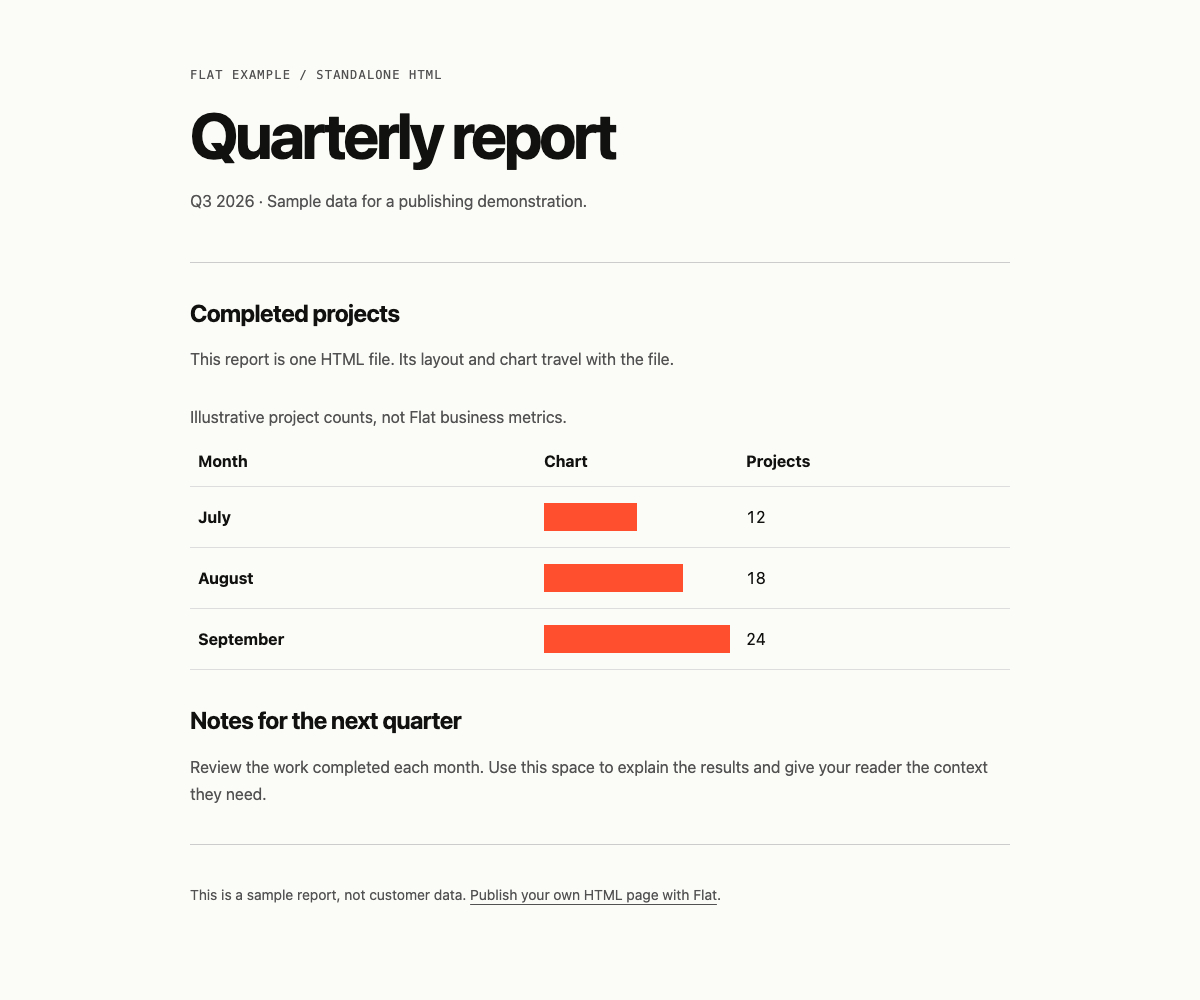
Your website
A root index.html opens as your website. Use it to share an interactive report or a prototype.
Choose the right way to upload
Upload in your browser
Select or drop your files above to get a public link. Sign in to manage the upload later.
Publish from the command line
Upload a folder with its paths intact. You can also set a password, choose an expiry date, or publish at a named address in the same command.
Before you share
Do recipients need an account?
No. Anyone with a public link can open it in their browser.
Which files can recipients preview?
Flat has browser previews for documents, images, audio, and video. See supported formats.
Upload the files you want to share.
Copy the link into your next message.