Flat / Creators
Give your work a link to share.
Share guides, templates, portfolios, worksheets, resumes, and digital resources. Your readers can preview supported files or download a copy without a Flat account.
Checking your upload limits... · Public · Limits
Drop your resources here
or choose files from your device.
Choose resourcesFor your readers
Keep the worksheet with the guide.
Upload a guide on its own or include the files your readers need to follow along. With several files, they choose what to open from Flat's file list.
Readers can open a PDF in their browser, download a worksheet to print, or save a template to edit in their own app. Include a PDF reading copy alongside an editable original when the layout matters.
See how file collections work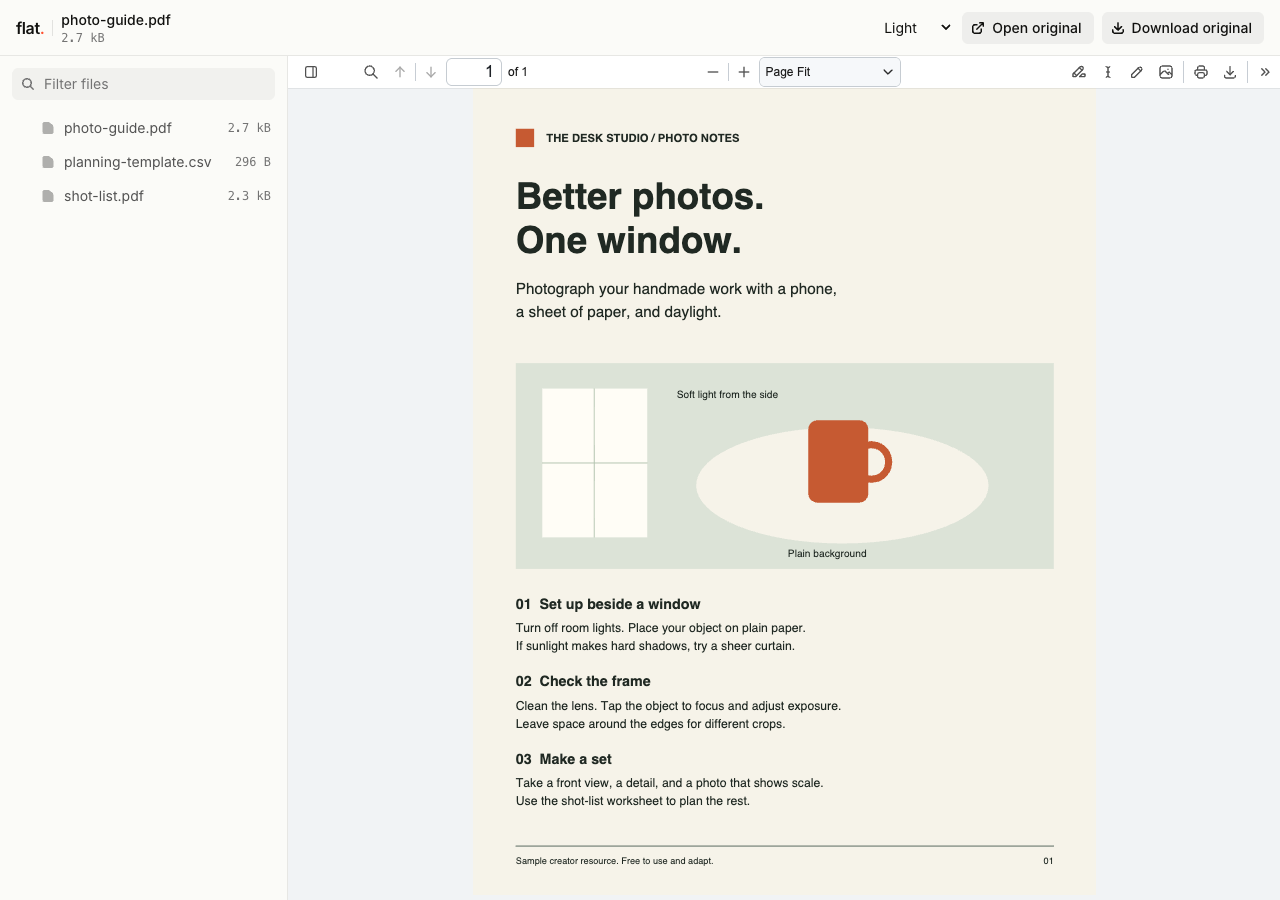
Download the samples to try the uploader.
- Send your portfolio to a client
- Export your selected work as a PDF and add the link to your pitch. For an exported portfolio website, publish its HTML and supporting files. See how to publish a website folder.
- Add your resume to an application
- Upload your finished resume PDF and paste the link into an application's website field or your email signature. Recruiters can read it online or save a copy. If the application asks for a file attachment, use your original PDF.
Ready for your audience
Put the link in your next newsletter.
Paste it into an email, a social bio, or a message to a client. Readers open public links without signing in to Flat.
Plan to revise the resource? Set up a named address or connect your domain through the CLI before sharing. You can then publish updates at that same address.
Set up a reusable resource link1. Export your work
Use the editor you already work in. Give each file a name your readers will recognize, such as
photo-guide.pdforshot-list.pdf.2. Upload the resources
Choose your files above and publish them together. Browser uploads are public and create a new version link each time. Sign in before publishing for no default expiry.
3. Open the link before you share
Check the preview on your phone. Download any template to make sure readers have the file they need to use it.
Before you share your work
Can I update a resource without changing the link?
Yes. Publish through the CLI to a named onflat.page address or your own domain. Publish revised files with the same domain to update that address. The browser uploader creates a new version link each time.
Earlier version links and downloaded copies keep their original files.
How long will my resources stay online?
Signed-in uploads have no default expiry. Signed-out uploads expire after one hour. Sign in before that deadline to keep them online. Your plan sets upload, storage, and transfer allowances. See plans and limits.
Can readers edit my templates in Flat?
Readers download the original and open it in a compatible app to make their own copy. Flat previews supported files but does not provide shared document editing. Include any instructions or license terms your readers need with the template.
Can I collect emails or sell downloads through Flat?
Use your email platform to collect signups and send the resource link. Use a storefront for checkout and paid delivery. Flat hosts your files; it does not collect reader emails, process purchases, or check whether a reader has paid.
Can I password-protect a resource?
Yes. Set a visitor password through the CLI or API and send it to your recipients. Browser uploads are public and have no password setting. Anyone with access can download or forward a copy.
What if my file has no preview?
Readers can download the original. Preview support depends on the format and the file. Export a PDF reading copy of a guide or portfolio, then check it before sharing. See supported formats and preview limits.
Have a resource ready to share?
Upload your finished files and send the link to your readers.
Free to start. View pricing