Flat / Sales documents
Send your proposal with one link.
Share proposals, pitch decks, one-pagers, and pricing PDFs. Buyers can read them in their browser or download a copy without a Flat account.
Checking your upload limits... · Public · Limits
Drop sales documents here
or choose files from your device.
Choose sales documentsAfter the sales call
Give buyers something to take back to their team.
Send the proposal you discussed, with the pricing sheet beside it. Upload several documents together and buyers choose what to read from Flat's file list.
A single PDF opens in the browser viewer shown here. Buyers can read the pages, download the original, or forward the link to a colleague.
Try the uploader with this sample proposal PDF.
See PDF hosting details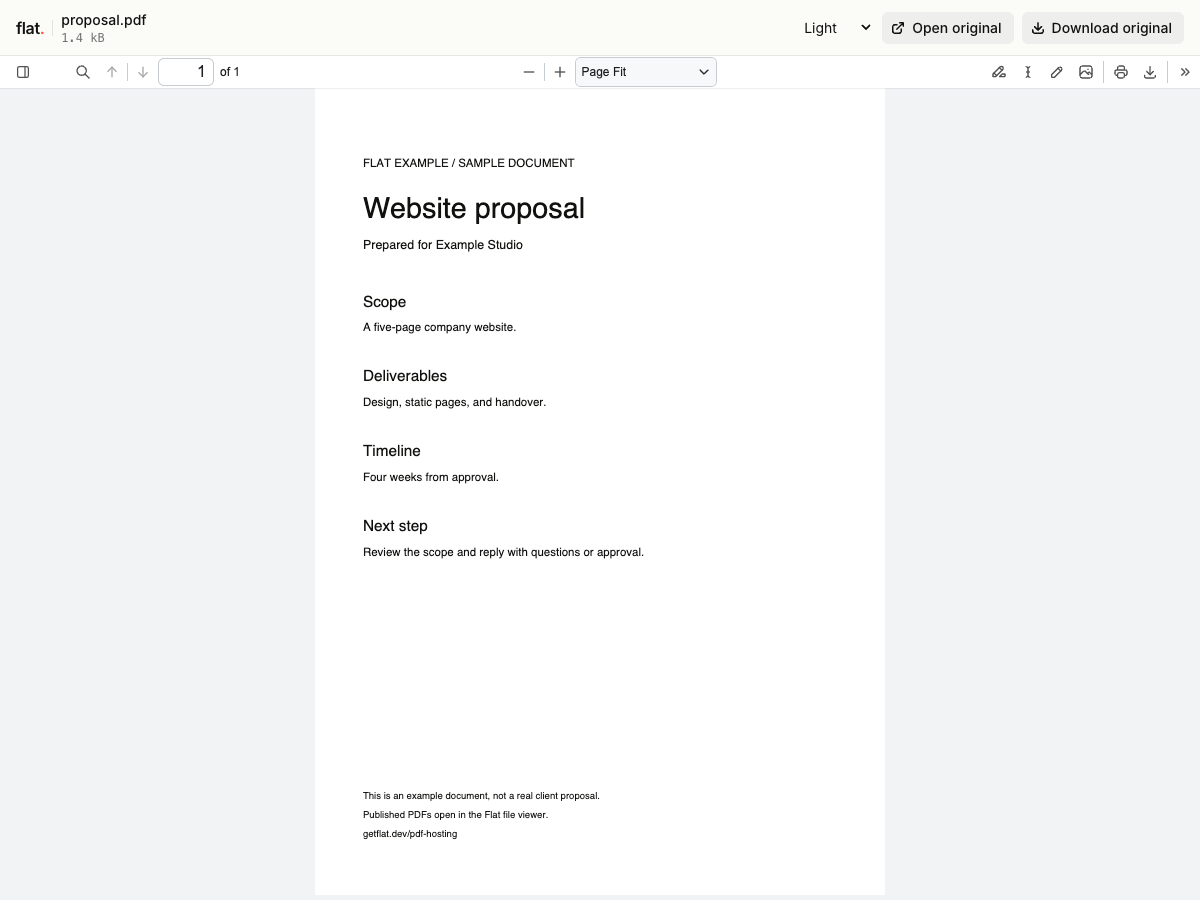
- Proposals
- Share the scope and timeline after a call. Include your contact details and the next step in the document.
- Pitch decks
- Send a reading copy of your slides so buyers can revisit the pitch and share it with colleagues.
- One-pagers
- Give your contact a short product summary to pass to the people who approve the purchase.
- Pricing PDFs
- Put the quote beside the proposal. Add a date or validity period so buyers know which terms apply.
Prepare your follow-up
Keep your pricing at the same address.
If you revise a price list often, set up a named onflat.page address or connect your own domain through the CLI. Publish revised files to the same domain to update that address.
Each browser upload creates a new version link. Earlier version links and downloaded copies keep their original files, so choose which address to send before your first follow-up.
Set up a reusable sales document address1. Export your documents
Use your usual editor. Export slides as a PDF for a reading copy, and name each file so buyers can find the proposal or quote.
2. Upload and publish
Choose your files above and publish them together. Browser uploads are public. Sign in before publishing for no default expiry.
3. Check it before you send it
Open the link and check each document. Paste it into your follow-up email with the next step you agreed on during the call.
Before you send sales documents
Can I see who opened my proposal?
Flat does not provide reader tracking, open notifications, or per-page viewing analytics. If your sales process needs those details, use a document tracking service.
Can I password-protect a proposal or quote?
Yes. Set a visitor password through the CLI or API, then share it with your buyer. The browser uploader publishes public links and has no password setting. Anyone with access can download or forward a copy.
Can I upload PowerPoint or Word files?
Yes. Flat generates PDF previews for supported Word documents and presentations, and keeps the originals available to download. Slide animations, narration, and embedded video do not play in the reading preview. If a file has no preview, buyers can download the original.
How long will my sales documents stay online?
Signed-in uploads have no default expiry. Signed-out uploads expire after one hour. Sign in before that deadline to keep them online. Your plan sets upload, storage, and transfer allowances. See plans and limits.
Can a buyer sign or approve the proposal in Flat?
Flat hosts your finished documents. Ask buyers to reply through your usual sales process, or use an e-signature service when you need a signed agreement.
Have a proposal ready to send?
Upload your documents, check the buyer's view, and copy the link into your follow-up.
Free to start. View pricing