Flat / Video and audio reviews
Send the cut your client needs to review.
Publish a finished video cut or audio recording and share its link in your review email. Your client can play supported media in their browser and download the file when they need a local copy.
Checking your upload limits... · Public · Limits
Drop your review media here
or choose files from your device.
Choose review mediaThis uploader creates public links. For private files, set a password through the CLI or API.
Give the reviewer a clear listening or viewing task.
A reviewer can play browser-supported video or audio and seek through the recording. Include a short note that explains the review focus, such as the voiceover pronunciation or the order of scenes. They can refer to playback times when replying through your usual feedback channel.
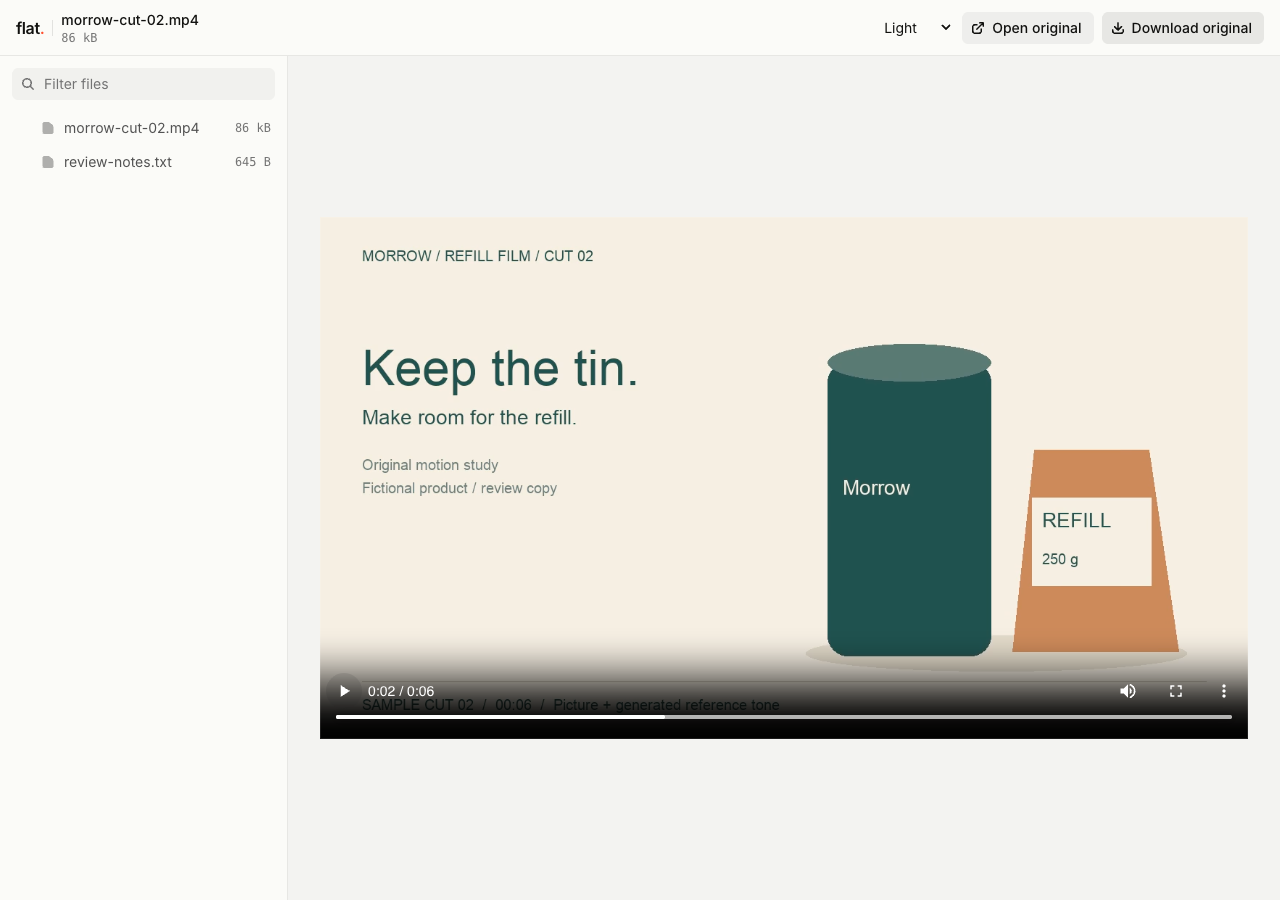
Play the original fictional product motion study. The H.264 video includes AAC audio with a quiet generated reference tone; the companion note identifies three moments for review.
Extract the sample pack before uploading. To keep nested folders together, publish the extracted folder with the CLI.
Name the cut and explain what needs attention.
Use a filename that identifies the cut or mix you want reviewed. In your message, distinguish temporary material from finished work so the client knows which decisions you need. For a voiceover session, include the script beside the recording. For a video review, a brief note can identify scenes where you need a choice between edits.
Check playback before you send the link.
Export a review copy that plays in your recipient's browser. A file extension alone does not guarantee codec support, and Flat does not transcode uploaded media. Test the published file on the device your client will use. You can include a production original alongside the review copy and explain which file the editor should download.
Prepare your files and share the link
1. Export the review cut.
Prepare the finished review file in your editing app. Give it a cut or mix identifier that the client can repeat in their feedback.
2. Publish and play it back.
Upload the media with any review notes. Check sound and playback at the published link, including a point near the end of the file.
3. Request feedback in your review thread.
Send the link with the review deadline. Ask recipients to include the filename and playback time when they describe a requested change.
Before you publish
Can clients leave comments at a playback time?
Flat does not provide timestamped comments or annotations. Ask clients to send feedback by email or in your project tool, with times such as 01:24 and the cut name so you can locate the relevant moment.
Can I send several takes together?
Yes. Publish them as a file collection and give each take a distinct name. The reviewer can choose a file to play or download. Include a note explaining which takes you want compared and where to send their choice.
Who can open the link?
Browser uploads are public. Anyone with the link can open them without a Flat account. For restricted material, publish through the CLI or API with a visitor password set before you share. Recipients who have access can still download or forward copies. Set up password protection.
Can I replace files at the same address?
Yes. Publish through the CLI to a named onflat.page address or your own domain, then use that same domain for later uploads. Browser uploads create a new version link each time. Earlier version links and downloaded copies keep their original files. Set up a reusable address.
How long do uploads stay online?
Signed-in uploads have no default expiry. Signed-out uploads expire after one hour. Sign in before that deadline to keep them online. Your plan sets upload, storage, and transfer allowances. See pricing and limits.
Get the next cut ready for review.
Publish your review copy and send the link with the specific decision you need from your client.
Free to start. View pricing