Flat / Video hosting
Video hosting: share your finished clip with a link.
Publish video from your browser or the CLI. Share a browser playback link for a short demo or review clip, with the original file available to download.
Checking your upload limits... · Public · Limits
Drop your video files here
or choose them from your device.
Select video filesWhat viewers see at your video link
A single supported video opens with the browser's video player. Viewers can play, pause, seek, adjust sound, and use the fullscreen controls their browser provides.
Upload several clips together and viewers can select one from the file explorer. Public links open without a Flat account. Anyone with access can download the original files.
An exact path, such as /motion.mp4, serves the original video. Flat supports byte-range delivery, so compatible players can request parts of the file when seeking.
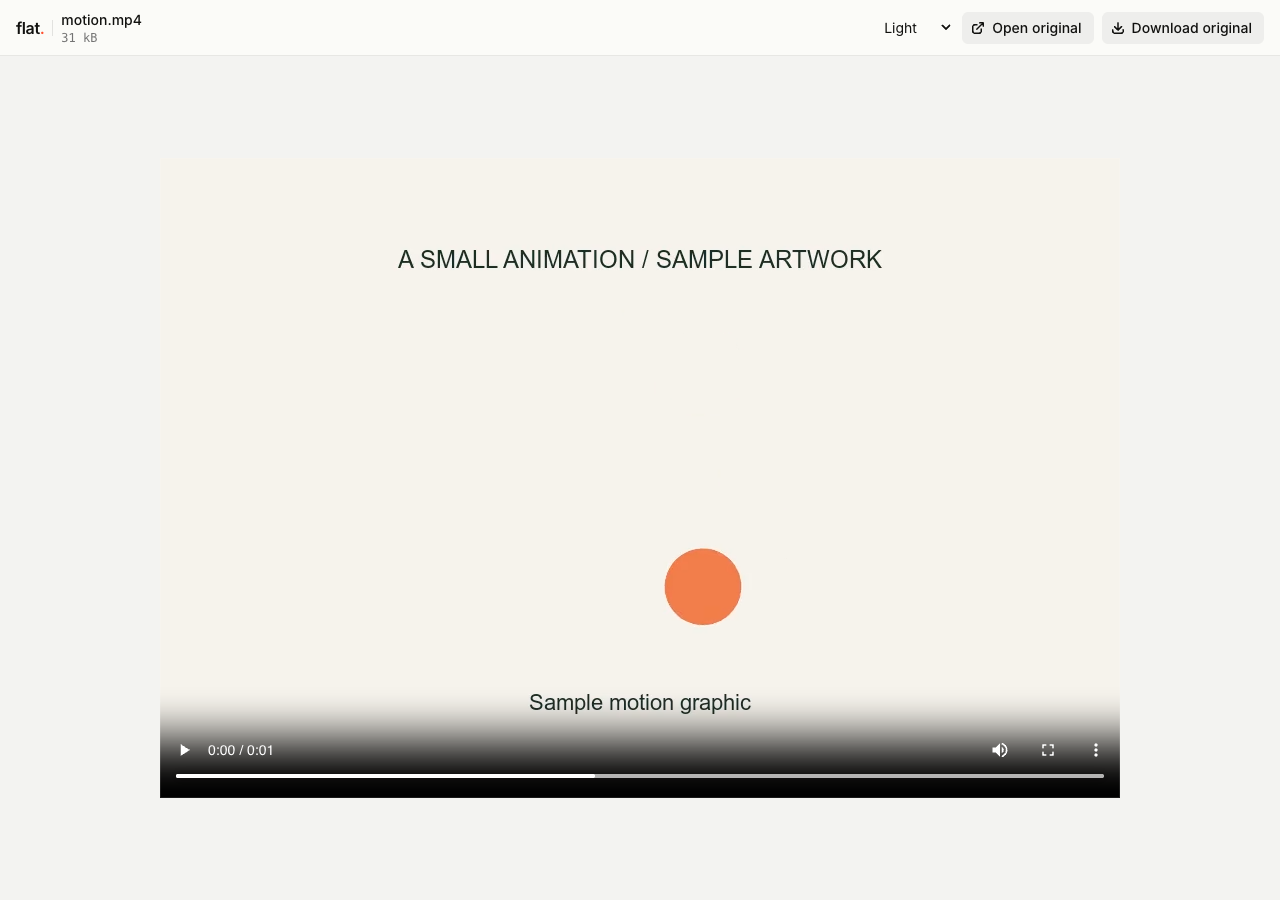
How to upload a video and share its URL
Prepare your video
Export a finished clip from your video editor. MP4 with H.264 video and AAC audio is a common browser-compatible choice. Check your audience's browsers, especially for other codecs inside MP4 or MOV files.
Choose resolution, bitrate, and file size before uploading. Flat does not transcode or create adaptive streaming versions. The built-in viewer previews files up to 5 MiB; larger files need original-file delivery and a plan that permits their size.
Upload in your browser
Drop your video files into the uploader above. Enter your email if signed out, then choose "Publish videos".
Selected files need unique names and publish at the top level. Use the CLI for folders. The browser uploader does not extract ZIPs.
Deploy with the CLI
Install Node.js 20 or newer, then publish a finished clip:
npx -y @getflat/cli deploy ./motion.mp4Replace the example with your video path, or use a folder path for several clips. The CLI preserves relative file paths and prints the published URL.
Watch before sharing
Play the published clip on the devices your viewers use. Check picture, sound, and seeking. If a codec is unsupported, re-export in a compatible format before publishing a new version.
Signed-out uploads expire after 1 hour by default. Sign in before expiry to keep them online, or sign in before publishing for no default expiry.
What you can share with video hosting
Product walkthroughs
Send a short screen recording that demonstrates a feature or reproduces an issue. Viewers can watch without opening your recording tool.
Client review clips
Share a specific cut with its own version link. Use your existing review tool or conversation for comments; Flat does not provide timestamped approvals.
Short instructional videos
Publish a finished demonstration for a lesson or support article. Use an original-file URL with your own player if you need it inside a web page.
Keep a version, or keep an address.
Share this version
Every upload gets its own link. Publishing revised files creates a new link and leaves the earlier version unchanged. Use the version link when someone needs to review a specific upload.
Update files at one address
Use a named onflat.page address or your own domain. Sign in, then publish with the CLI using --domain. Publish revised files with the same domain to point that address to the new upload.
Named addresses are included on Free. Adding your own domain requires a paid plan. The browser uploader does not set up or repoint these addresses.
Video hosting questions
Is hosting free, and what are the limits?
Yes. Signed-in Free includes 5 MiB per upload, 1 GiB of storage, and 5 GiB of monthly transfer, with no default expiry. The per-upload limit covers all files in that upload. Paid plans raise these limits.
Do readers need a Flat account?
No. Public links open without a Flat account. Anyone with the link can open the uploaded files. Password-protected links also require the visitor password.
Can I password-protect my upload?
Yes. Password protection is available on every plan. Add --password YOUR_PASSWORD to your CLI deploy command. It protects access to the upload and its files, but does not prevent someone with access from saving a copy. The browser uploader creates public uploads.
Can I replace files without changing the link?
A version link always refers to its original upload. For same-address updates, use a named address or your own domain. Publish revised files with the same --domain value in the CLI to point that address to the new upload.
What happens when an upload expires?
Flat stops serving it. An expired upload cannot be recovered. Signed-out uploads expire after 1 hour by default. For browser uploads, use the sign-in link shown after publishing. For CLI uploads, run npx -y @getflat/cli login. Complete sign-in before expiry to keep the upload online. If you chose a shorter expiry in the CLI, that deadline stays in place.
Which video formats can I publish?
The video viewer recognizes MP4, WebM, OGV, MOV, and M4V. The browser must support the file's video and audio codecs. Flat serves the original file and does not convert unsupported codecs.
Can I host videos larger than 5 MiB?
Yes, within your plan's upload allowance. The built-in viewer still caps previews at 5 MiB. Larger videos remain available through the original URL for downloading or playback in your own compatible player. Delivery also uses your plan's transfer allowance.
Can I embed a video on my own website?
Use the original video URL from a public upload:
<video controls playsinline src="https://YOUR-ADDRESS.onflat.page/motion.mp4"></video>The Flat viewer cannot be embedded in an iframe. Add captions or other player features in your own HTML if needed; Flat does not generate them.
Does Flat provide live or adaptive video streaming?
No. Flat delivers uploaded video files. It does not ingest live broadcasts, transcode multiple resolutions, or generate adaptive streaming playlists.
Can I prevent people from downloading my video?
No. Password protection gates access, but authorized viewers can save the original file. Flat does not provide video DRM.
Share a link to your next video.
Publish a finished clip, check playback, and send the URL.
Publish videosFree to start · View pricing
Sharing sound without pictures? See audio hosting.