Flat / Patient education
Make your public patient guides easy to share.
Give visitors a link to general health education and public clinic information. Publish approved brochures as PDFs, then add the link to your clinic website or printed information sheet so readers can find the material after a visit.
Checking your upload limits... · Public · Limits
Drop your public patient guides here
or choose files from your device.
Choose public patient guidesThis uploader creates public links. For private files, set a password through the CLI or API.
Let readers take a copy with them.
Readers can open a PDF in their browser or download it to read later. Use clear document titles and readable type. A family member receiving the link should be able to identify the topic and the clinic that published the guide.
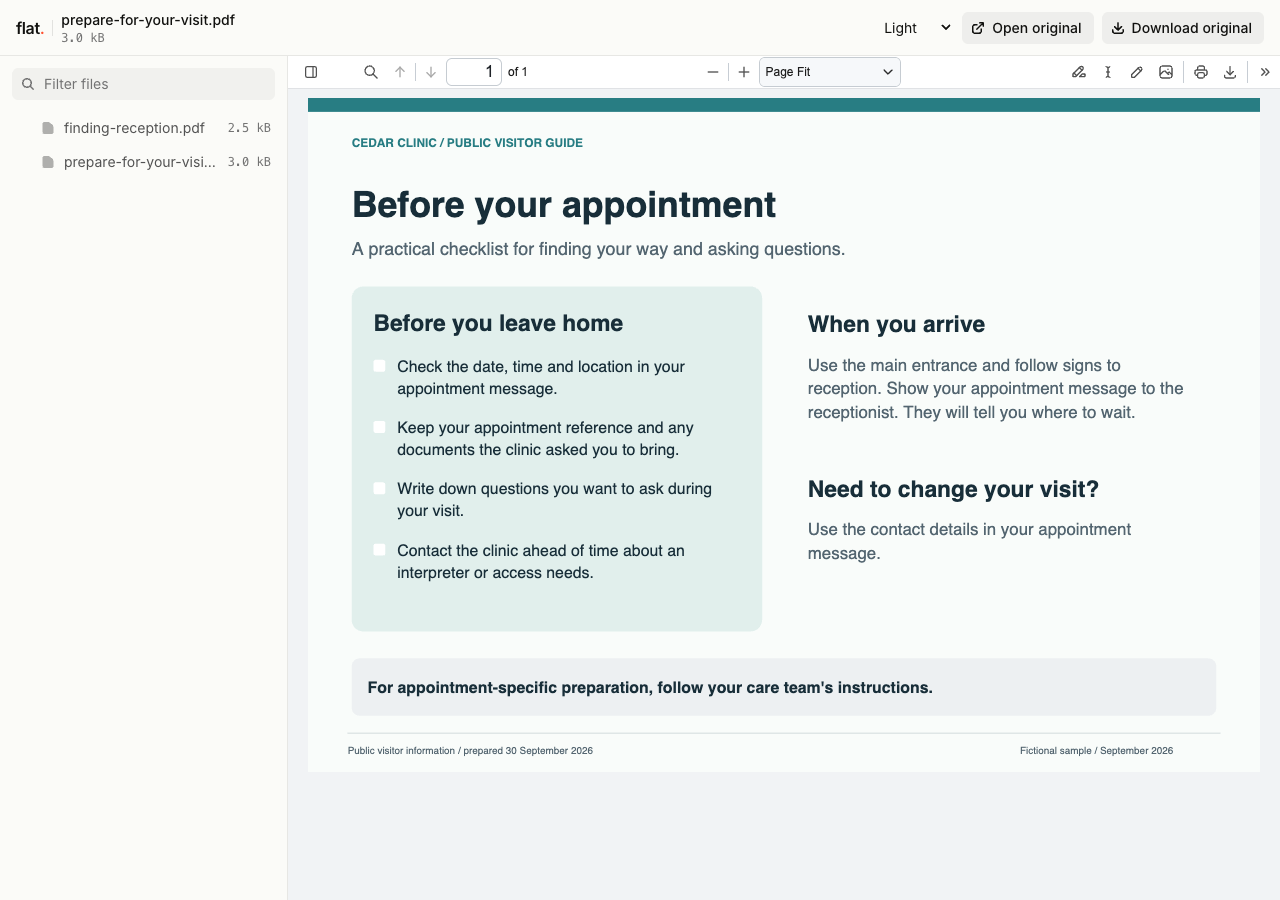
Read a fictional clinic's visitor checklist and reception guide.
Extract the sample pack before uploading. To keep nested folders together, publish the extracted folder with the CLI.
Publish reviewed, general information.
Ask the responsible clinician or education team to review the text before publication. Include the review date and the source of the guidance inside the document. Explain unfamiliar terms and identify the appropriate clinic contact for questions. Keep patient records, individual treatment instructions, and identifying information out of these public files.
Help visitors prepare for the building.
A public clinic guide can explain entrances, parking, and accessible routes. Include reception hours and the phone number people should use for appointment questions. For several language editions, upload the reviewed PDFs together and name each edition in its language. Check addresses and phone numbers across all copies.
Prepare your files and share the link
1. Prepare the approved brochure
Export a PDF with selectable text where possible. Check the reading order and confirm that the file contains only information intended for the public.
2. Publish the public guide
Upload the approved document and open its browser link. Read it on a phone and download a copy to inspect the page layout and clinic contact details.
3. Add the link to clinic information
Place it on the clinic website or in a general information email. You can use an external QR generator for printed leaflets, then check the printed code before distribution.
Before you publish
Can we use this for individual patient records?
This workflow is for public, general education. Keep patient records and personal care communication in your organization's approved clinical systems. Publishing a brochure does not establish healthcare compliance.
Can patients ask medical questions through the guide?
Flat does not provide patient messaging or clinical intake. Put the clinic's approved contact instructions in the document so readers know where to ask questions about their own care.
Who can open the link?
Browser uploads are public. Anyone with the link can open them without a Flat account. For restricted material, publish through the CLI or API with a visitor password set before you share. Recipients who have access can still download or forward copies. Set up password protection.
Can I replace files at the same address?
Yes. Publish through the CLI to a named onflat.page address or your own domain, then use that same domain for later uploads. Browser uploads create a new version link each time. Earlier version links and downloaded copies keep their original files. Set up a reusable address.
How long do uploads stay online?
Signed-in uploads have no default expiry. Signed-out uploads expire after one hour. Sign in before that deadline to keep them online. Your plan sets upload, storage, and transfer allowances. See pricing and limits.
Share a reviewed public guide.
Publish the approved brochure and link to it from the clinic information your readers already use.
Free to start. View pricing