Flat / Nonprofits
Give supporters a link to your impact report.
Share your annual report with donors and the people involved in your work. Publish the finished document with Flat, then include the link in an appeal email or on your organization's website. Readers can open it and save a copy.
Checking your upload limits... · Public · Limits
Drop your nonprofit report here
or choose files from your device.
Choose nonprofit reportThis uploader creates public links. For private files, set a password through the CLI or API.
Let supporters read the report in their browser.
Publish a PDF to preserve the layout you approved, or a self-contained HTML report for a page designed for the web. For several supporting documents, use a file collection so readers can select the report or financial summary they need.
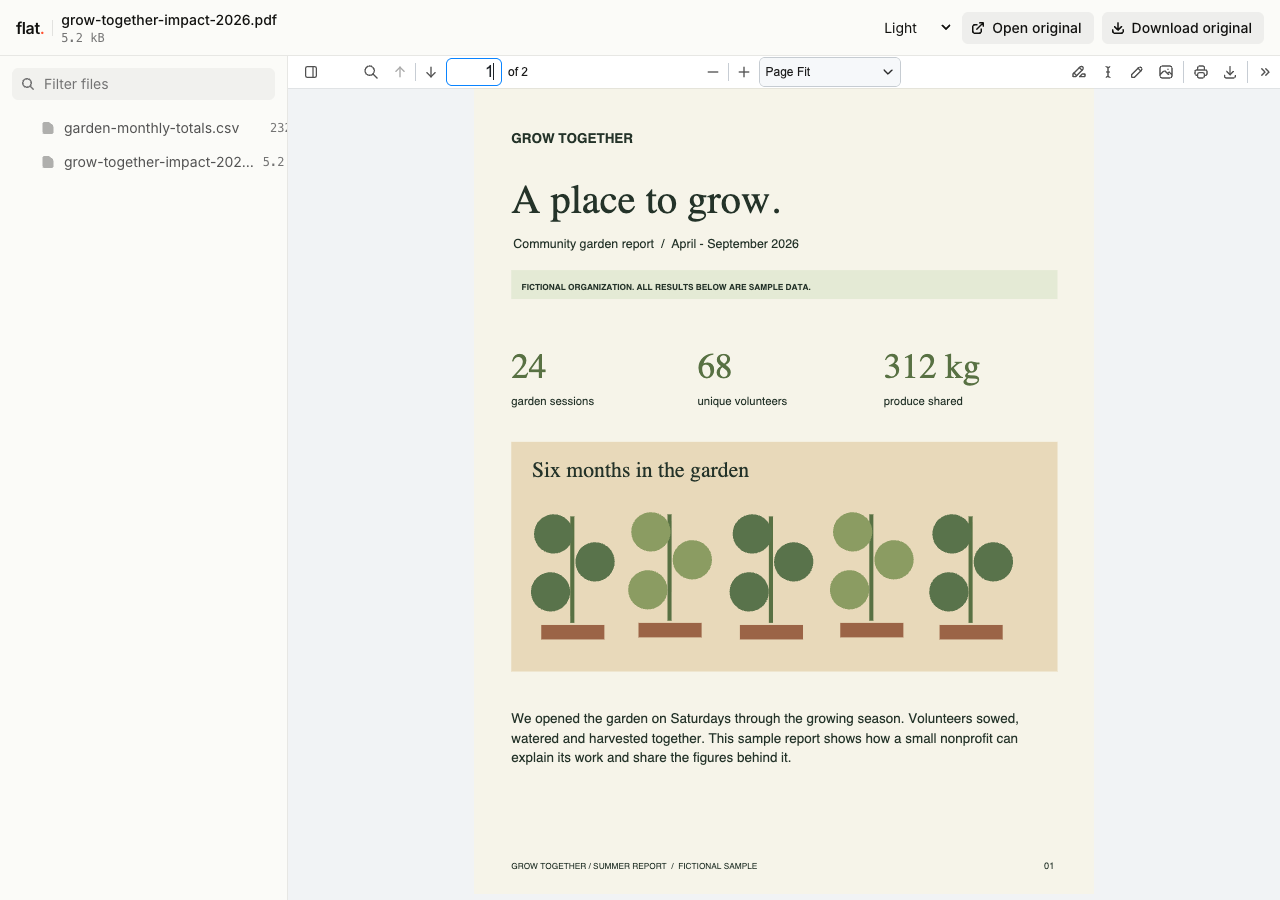
This fictional nonprofit report explains a growing season and the definitions behind its invented figures. The companion CSV contains matching monthly totals.
- Download the sample impact report
- Download the sample monthly totals
- Download the complete sample pack
Extract the sample pack before uploading. To keep nested folders together, publish the extracted folder with the CLI.
Put the reporting period beside the results.
Explain which program and dates each result covers. Include source notes for figures so a supporter can understand what you counted. Publish the approved report after your team has checked the totals and photo permissions. You can put a separate accounts PDF beside the narrative report without combining both into one long document.
Prepare volunteers before their first shift.
A volunteer handbook can explain the role and what to expect on arrival. Add the coordinator's public contact address and instructions for asking questions. Keep personal rosters and beneficiary information out of the public handbook. Give volunteers the reading link in the welcome email you already send after they have joined.
Prepare your files and share the link
1. Approve the publication copy.
Check the reporting dates and figures. Export a PDF or a complete HTML report with its charts included in the published files.
2. Add useful supporting documents.
Upload a PDF report with its accounts or methodology note if readers need them. Give each document a descriptive name and reporting year.
3. Check the supporter view.
Read the published report on your phone. Check chart labels and download the accounts before adding the link to your donor update.
Before you publish
Can readers donate through the report?
Add a link to your organization's existing donation page. Your donation service handles payments and receipts. Flat publishes the report and does not collect donations or maintain donor records.
Can I include a spreadsheet behind the reported figures?
Yes. Publish a public data extract alongside a PDF report. Readers can inspect supported spreadsheets in a read-only grid or download the original. Include definitions for the columns, and export charts to the report if their layout matters.
Who can open the link?
Browser uploads are public. Anyone with the link can open them without a Flat account. For restricted material, publish through the CLI or API with a visitor password set before you share. Recipients who have access can still download or forward copies. Set up password protection.
Can I replace files at the same address?
Yes. Publish through the CLI to a named onflat.page address or your own domain, then use that same domain for later uploads. Browser uploads create a new version link each time. Earlier version links and downloaded copies keep their original files. Set up a reusable address.
How long do uploads stay online?
Signed-in uploads have no default expiry. Signed-out uploads expire after one hour. Sign in before that deadline to keep them online. Your plan sets upload, storage, and transfer allowances. See pricing and limits.
Publish the report your team approved.
Give supporters a link to the finished report and the documents behind it.
Free to start. View pricing