Flat / Email designers
Send a browser preview of your email design.
Give your client a link to review the message and layout before you prepare a test send. Flat hosts your exported HTML email so colleagues can open the design in their browser.
Checking your upload limits... · Public · Limits
Drop your email preview here
or choose files from your device.
Choose email previewThis uploader creates public links. For private files, set a password through the CLI or API.
Keep the review focused on the message.
A client can read the headline and check the offer without importing a template into an email platform. Ask them to send requested changes through your existing review thread.
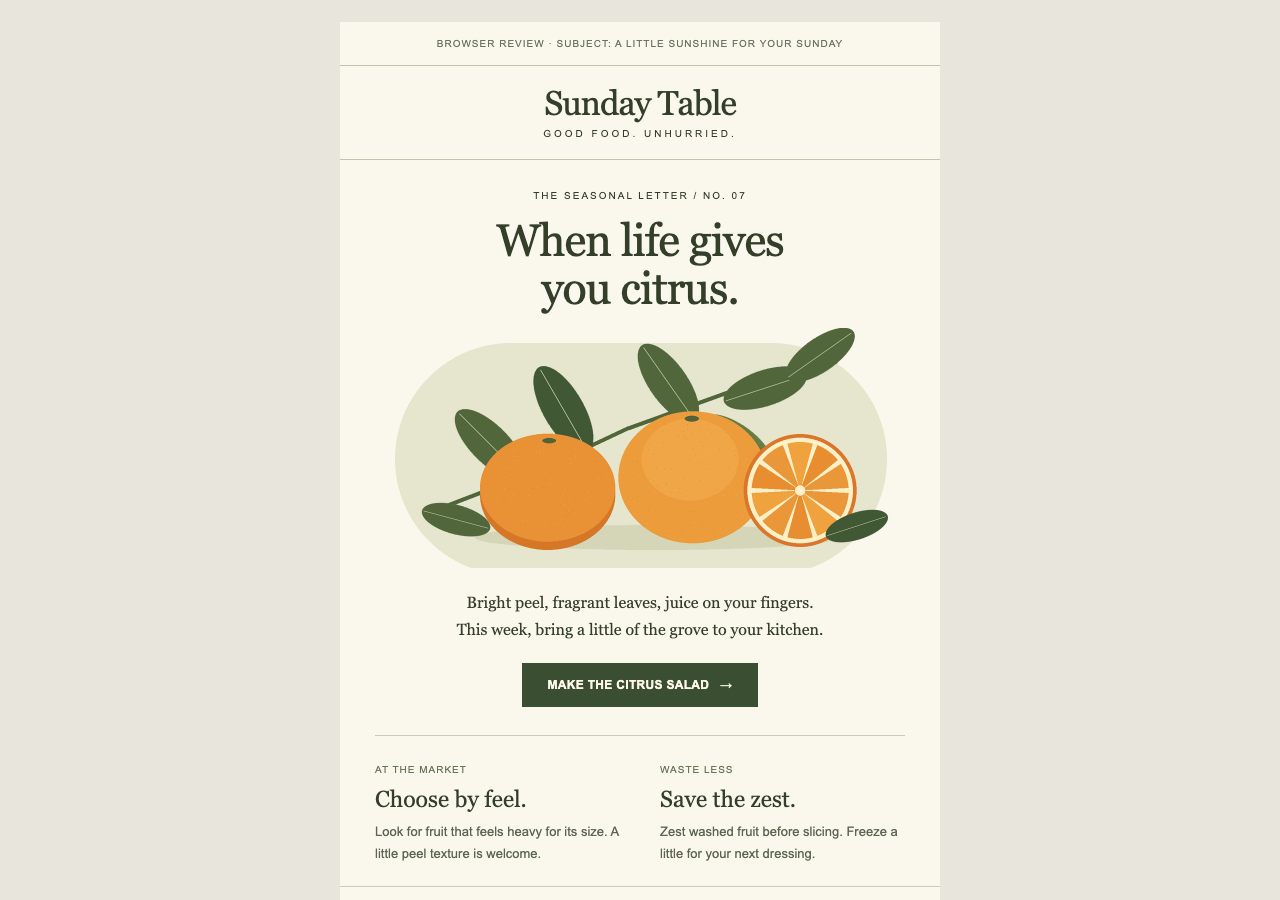
Review a fictional seasonal newsletter and follow its recipe link. Includes the HTML, original illustration, and destination page. This is a browser preview, not an inbox rendering test.
- Open working example
- Seasonal newsletter HTML
- Original citrus illustration
- Citrus salad recipe page
- Download the complete sample pack

Extract the sample pack before uploading. To keep nested folders together, publish the extracted folder with the CLI.
Review copy while the design is visible.
A browser link gives your reviewer the words in their intended layout. They can check whether a heading fits above the product image or whether a button says what happens next. Include a separate note for the subject line and preview text if those are outside the visible HTML design.
Use a preview copy with example content.
Export the email from your design tool and replace unresolved merge tags with representative text. Include the images or use image URLs that your reviewer can access. Keep subscriber details out of the review copy. After copy approval, test the sending template through your email platform with its real personalization and link handling.
Prepare your files and share the link
1. Export the email HTML
Save a review copy with example names and complete image paths. Name it
index.htmlif you want the design at the main link.2. Publish the preview files
Upload a standalone file above. If the export has asset folders, extract its ZIP and publish the folder through the CLI.
3. Send a specific review request
Check the published design, then ask your client to review its wording and layout. Schedule inbox testing after the requested changes.
Before you publish
Does this show how my email renders in Outlook or Gmail?
No. Flat shows HTML in a web browser. Email clients have different rendering rules. Use actual test sends or an email testing service to validate the design in the inboxes you support.
Will personalization and unsubscribe links work?
Email-platform merge tags need that platform's processing. Replace them with example content for the browser review. Validate personalization and unsubscribe behavior in a test send through your sending service.
Can I send the campaign from Flat?
No. Use Flat for the browser preview and your email platform to manage recipients and send the campaign.
Who can open the link?
Browser uploads are public. Anyone with the link can open them without a Flat account. For restricted material, publish through the CLI or API with a visitor password set before you share. Recipients who have access can still download or forward copies. Set up password protection.
Can I replace files at the same address?
Yes. Publish through the CLI to a named onflat.page address or your own domain, then use that same domain for later uploads. Browser uploads create a new version link each time. Earlier version links and downloaded copies keep their original files. Set up a reusable address.
How long do uploads stay online?
Signed-in uploads have no default expiry. Signed-out uploads expire after one hour. Sign in before that deadline to keep them online. Your plan sets upload, storage, and transfer allowances. See pricing and limits.
Give your reviewer a preview link.
Upload the finished review copy and send it with the copy decisions you need before inbox testing.
Free to start. View pricing