Flat / Surge alternative
Publish a website. Share the documents too.
Use Flat to upload files in your browser or publish a folder from your terminal. Visitors can read supported documents and download the originals. Surge is a good fit for CLI website publishing, with custom domains and revision links.
Try a document or a finished HTML page for free.
Share a proposal and its supporting files
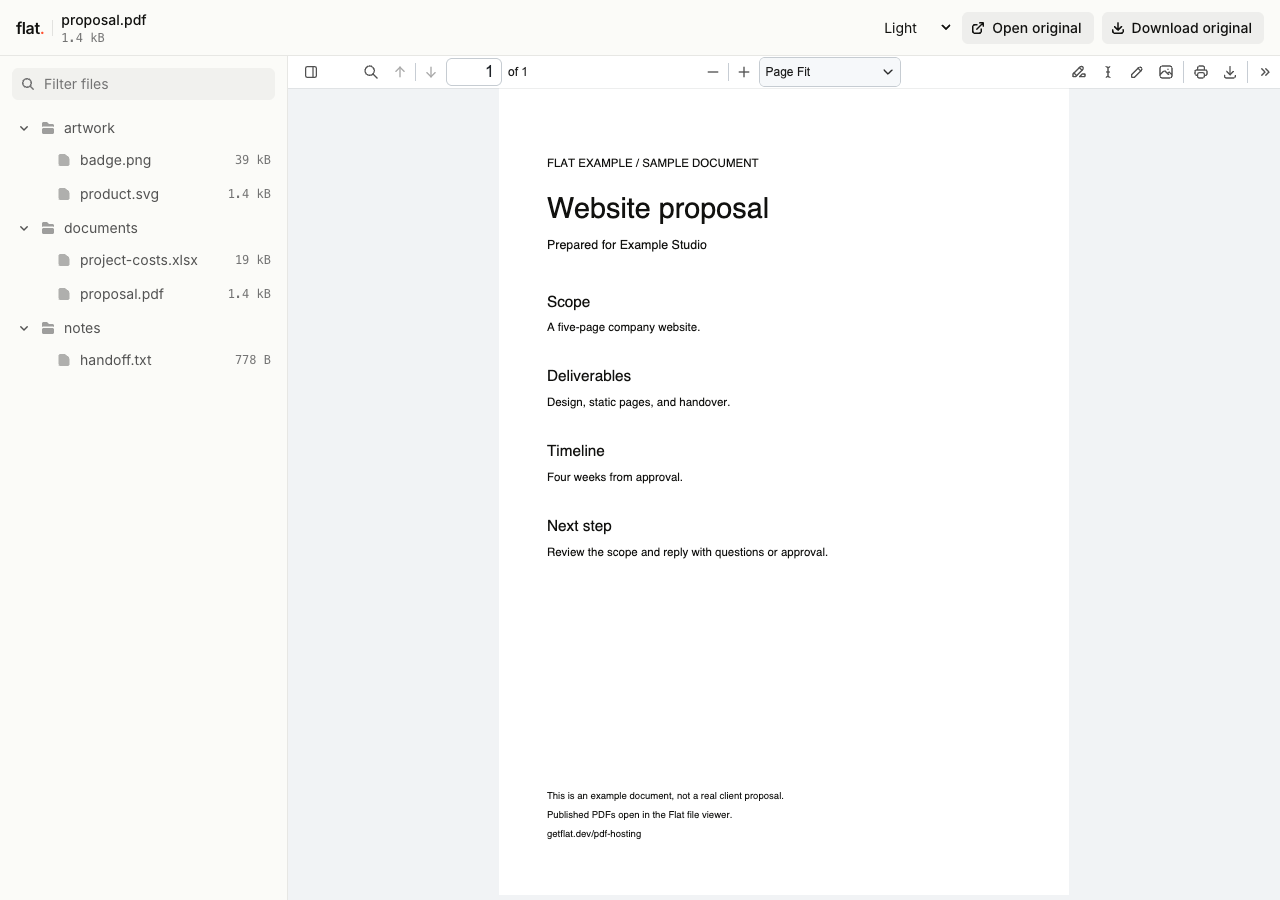
Upload a proposal with its cost workbook and reference images. Flat gives visitors a file explorer where they can choose what to open. You do not need to write an HTML page to list the files.
Visitors can read PDFs, view saved spreadsheet values, and download the originals. Supported Office documents get reading previews. Files without a preview remain available to download.
For a website, publish a folder with index.html at its root. Flat opens that page at the main link instead of the file explorer.
Flat vs Surge
We checked Surge's official docs and pricing on . Both services support terminal publishing and separate version links.
| What you need | Flat | Surge |
|---|---|---|
| Publish files | Select files in your browser, or publish a folder with the CLI. Share documents with reading previews, or host a finished static website. | Publish a local directory to a surge.sh address or your own domain with the Surge CLI.Source |
| Keep version links | Each upload has its own link. Point a named address or your domain to a new upload when you want one address for updates. | Each publish creates an immutable revision with its own preview URL. Use rollback or cutover to change which revision your production address serves.Source |
| Connect your domain | Connect a domain you own, or choose a named onflat.page address through the CLI or API. | Connect your own domain. Surge provisions managed SSL certificates for HTTPS.Source |
| Control visitor access | Set a shared visitor password for an entire upload through the CLI or API. Change it without uploading the files again. | Publish an AUTH file with path-based rules for passwords, verified email addresses, email domains, or project collaborators.Source |
| Open app routes | Serves static pages and a custom 404.html. It has no automatic fallback for single-page app routes. | Serves 200.html for unmatched paths with a successful response, so visitors can open or refresh client-side routes.Source |
| Automate publishing | Let an agent run the CLI to publish local files or folders. Use the REST API for your own integrations. | Use the CLI, JavaScript SDK, or HTTP API to publish and manage projects.Source |
Publish files
- Flat
- Select files in your browser, or publish a folder with the CLI. Share documents with reading previews, or host a finished static website.
- Surge
- Publish a local directory to a surge.sh address or your own domain with the Surge CLI. Source
Keep version links
- Flat
- Each upload has its own link. Point a named address or your domain to a new upload when you want one address for updates.
- Surge
- Each publish creates an immutable revision with its own preview URL. Use rollback or cutover to change which revision your production address serves. Source
Connect your domain
- Flat
- Connect a domain you own, or choose a named onflat.page address through the CLI or API.
- Surge
- Connect your own domain. Surge provisions managed SSL certificates for HTTPS. Source
Control visitor access
- Flat
- Set a shared visitor password for an entire upload through the CLI or API. Change it without uploading the files again.
- Surge
- Publish an AUTH file with path-based rules for passwords, verified email addresses, email domains, or project collaborators. Source
Open app routes
- Flat
- Serves static pages and a custom
404.html. It has no automatic fallback for single-page app routes. - Surge
- Serves
200.htmlfor unmatched paths with a successful response, so visitors can open or refresh client-side routes. Source
Automate publishing
- Flat
- Let an agent run the CLI to publish local files or folders. Use the REST API for your own integrations.
- Surge
- Use the CLI, JavaScript SDK, or HTTP API to publish and manage projects. Source
Compare the free plans first
Flat plans
Free includes 5 MiB per upload, 1 GiB of storage, and 5 GiB of monthly transfer. Named onflat.page addresses and visitor passwords are included. Signed-in uploads have no set expiry.
Starter is €9 a month for 100 MiB per upload, 50 GiB of storage, 100 GiB of monthly transfer, and 1 custom domain. Free does not include custom domains.
Surge plans
Free includes unlimited projects and publishes, custom domains with managed HTTPS certificates, revision URLs, and collaborators. If you need a free custom domain for a static website, Surge covers that.
Professional is $30 a month. It adds password protection and protected paths, redirects, CORS configuration, and the option to supply your own SSL certificate.
Surge's publishing docs list a project limit of 450 MB and 10,100 files. Unlimited publishing does not mean unlimited storage or transfer.
Flat lists prices in euros and allowances in MiB and GiB. Surge lists its price with a dollar sign and its project limit in MB. Its pages above do not specify a monthly transfer allowance.
Try a browser upload.
Select a document or several files to share together. Browser uploads are public. If you are signed out, enter your email and sign in within one hour to keep the upload online.
Checking your upload limits... · Public · Limits
Drop your files here
or choose files from your device.
Select filesUse the CLI for folders and nested assets. To require a visitor password, publish through the CLI or API.
Move a copy of your Surge site
Prepare your output folder
Start with the finished folder you publish to Surge, such as ./dist. Keep index.html at its root. Flat does not build your source code.
Remove Surge's AUTH, ROUTER, CORS, and CNAME files from the copy you upload. Flat does not apply those settings. Check the files you excluded through .surgeignore too, since Flat does not read that file.
Check access before publishing. Flat uses one shared visitor password for the whole upload. Surge's email-based and per-path rules do not transfer.
With Node.js 20 or newer, publish a public copy:
npx -y @getflat/cli deploy ./distFor a protected copy, use this command instead and replace the password:
npx -y @getflat/cli deploy ./dist --password "YOUR_PASSWORD"Open the returned link and check your pages and downloads. Run npx -y @getflat/cli login before expiry to keep a signed-out upload.
Check routes before switching your domain
If your Surge site uses 200.html, adding index.html only fixes the homepage. Flat does not use 200.html for unmatched paths. Export HTML for each route or adapt your routing before moving. Keep Surge if you need its fallback unchanged.
Once your copy works, connect your own domain or choose a named Flat address. Your Surge revision URLs stay with Surge.
Before you switch
Can I keep my surge.sh address?
No. A surge.sh address belongs to Surge. You can move a domain you own after checking the new copy, or choose a named onflat.page address through Flat's CLI or API.
Does Surge have version links and rollback?
Yes. Each Surge publish creates an immutable revision with its own preview URL. Its rollback and cutover commands change the revision at the production address. Flat also gives each upload a version link and lets you point a named address to another upload. Version links work while their content remains retained and accessible.
Can I publish a React site to Flat?
Yes, after building its static output. Check direct links and page refreshes if you use a client-side router. Surge's 200.html fallback does not carry over. Flat does not run server rendering or backend code.
Can I embed Flat's document viewer?
Flat's generated viewers retain Flat branding and cannot be embedded in an iframe. Share the viewer link or use the original files in your own viewer. Readers can download the originals; Flat does not provide shared document editing.
See how your files open in Flat.
Upload a document and check its preview before sharing the link.